Knowledge Base
Using PXE Mode And COM Ports For The H22 Or N22
Published: June 20, 2013
Updated: October 4, 2017
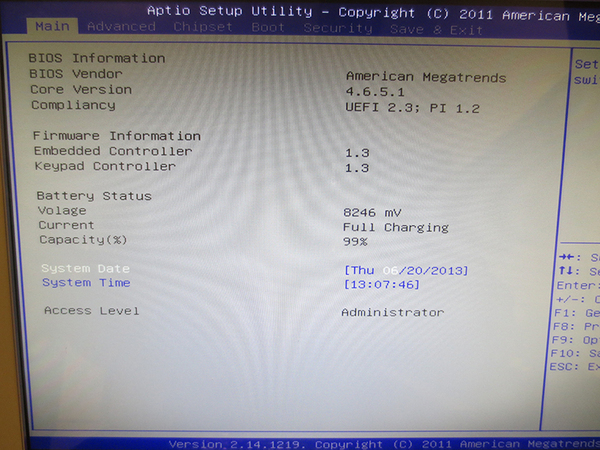
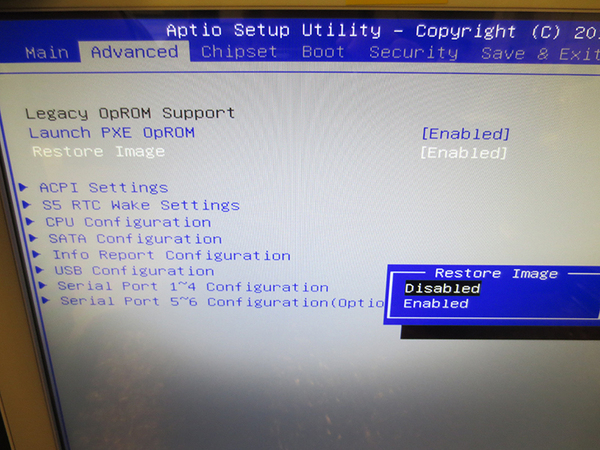
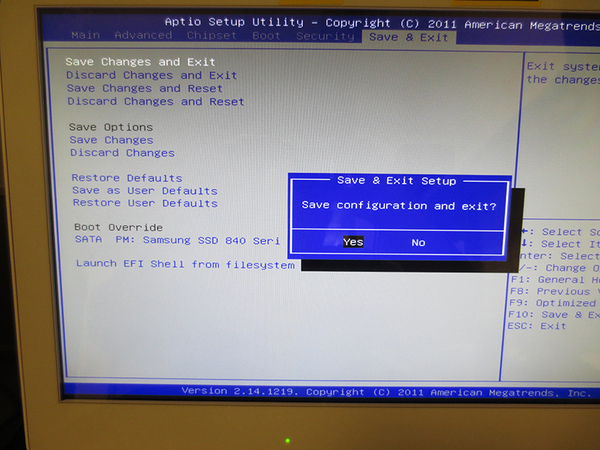
In this article we will be explaining a feature for the CyberMed H22 and CyberMed N22 which allows for faster imaging. However, by enabling this feature it disables COM ports 2 and above. This will happen if you enable PXE and the Restore Image functions within the BIOS. To fix the issue you must disable the Restore Image function. Updated: October 4, 2017
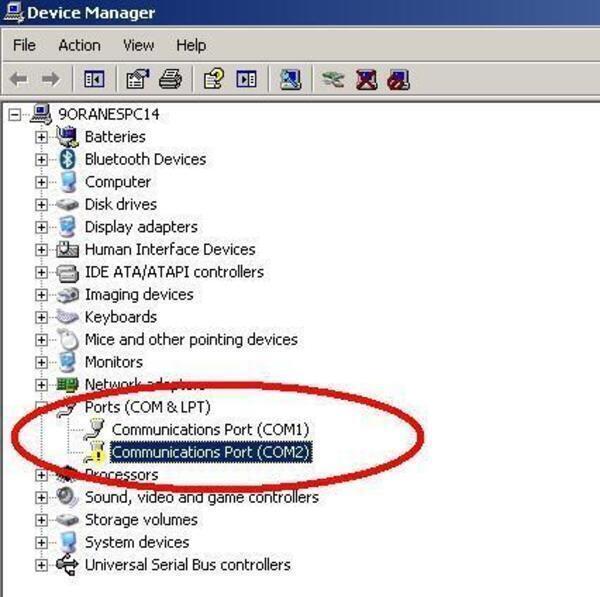
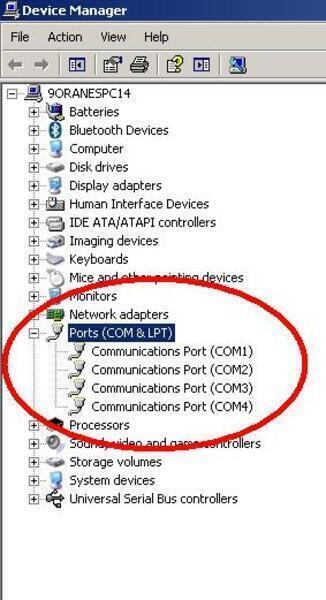
If Device Manager in Windows shows up like the following picture then keep following this guide. Note that COM 3 and 4 aren't listed at all. COM ports 3 and 4 are an optional add-on that must be ordered when the unit is purchased.