Performing a full discharge and charge cycle will help maintain the health of our batteries. Like all Lithium-Ion Batteries, this simple routine helps to recalibrate the battery to ensure an accurate charge level reading.
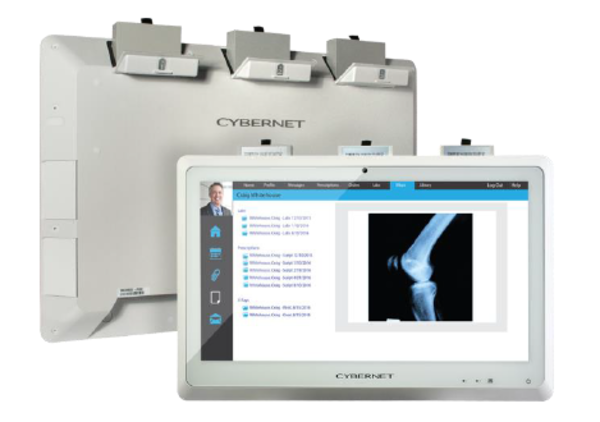
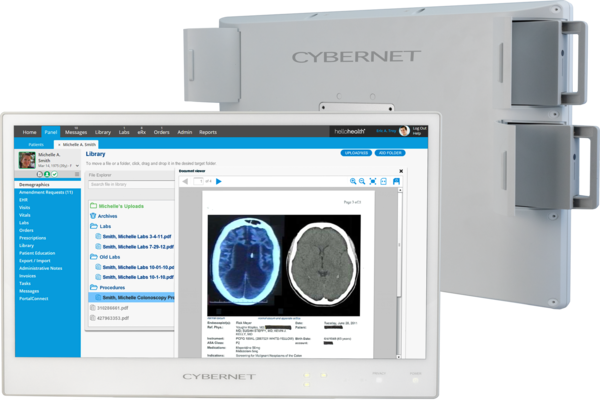
Below are instructions on how to do one full discharge and charge cycle using an NB22/NB24 and G22B/G24B system.
Inspection:
Inspect all sides and pins of the battery to ensure there is no damage around the battery.
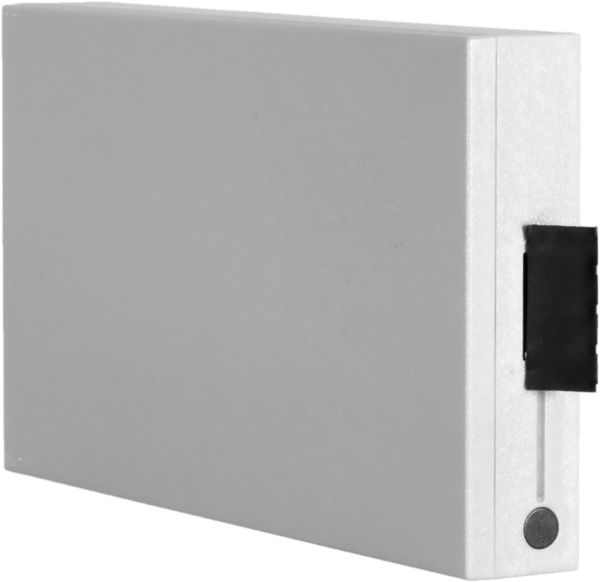
NB Series Battery
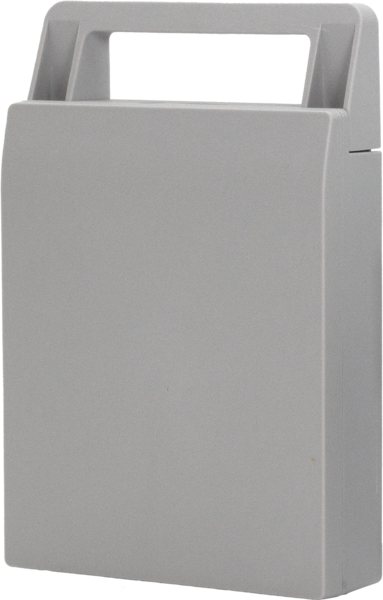
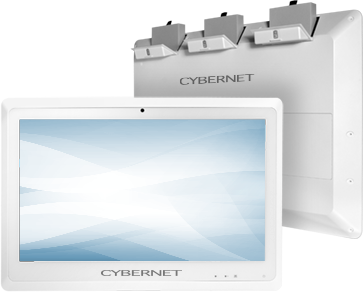
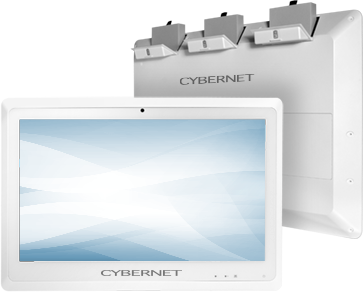
G Series Battery
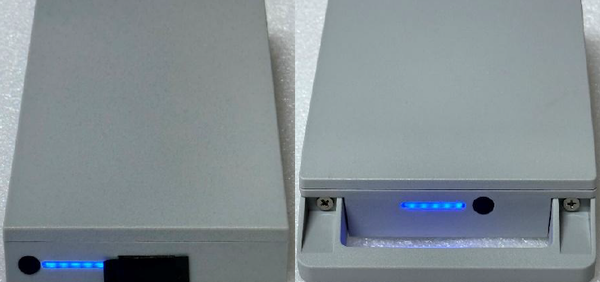
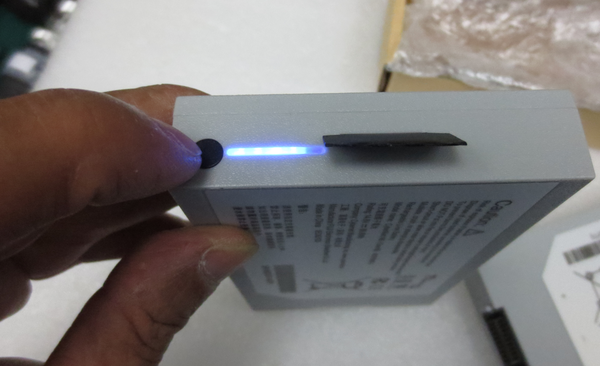
Press the indicator button to check the battery level and confirm the light is working
Discharge:
Unplug the power adapter from the system and insert the batteries. Power on your device and press the DEL key on your keyboard to navigate to the BIOS. Allow the system to sit in the BIOS fully discharge the batteries until the system shuts off. Leave the device on up to 12 hours or overnight for the batteries to discharge.
After the discharge is completed, verify the unit will not turn on when pressing the power button.
Charge Battery:
Plug in the power adapter, and allow the device to fully charge. Note: Leave the power adapter plugged in up to 8 hours to ensure it is fully charged.
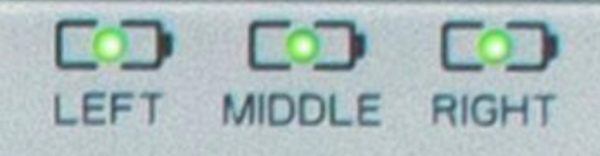
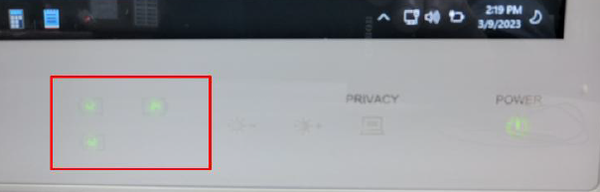
Verify the battery is detected on your device and check there is an indication light.
NB Series (indication lights are located on the top right on the unit)
G Series (indication lights are located on the bottom right)
Remove the batteries and press the battery level indication button to verify it shows full.
BATTERY MAINTENANCE NOTE: THE BATTERY SHOULD BE DISCHARGED AND FULL CHARGED AFTER 6 MONTHS OF STORAGE.
This website uses cookies and third-party tools, including Google Analytics, Google Ads, and live chat, to improve your experience. No tracking begins until you choose below. For full details, see our Privacy Policy.
Customize Preferences
Select which scripts and tracking technologies you allow to run. Essential scripts cannot be disabled as they are required for security.